Locations
Dr Portal
Welcome Kit
Subscribe
A DAG Company
Home
About
About Us
Our Team
Locations
Proven Process
Careers
Group Partnerships
Products
Fixed
Full-Contour Zirconia
Layered Zirconia
Zr-40™ Multi-Layer Zirconia
IPS e.max®
Porcelain-Fused-to-Metal
Full Cast
Veneers
Removables
Complete Dentures
Treatment Partials
Flexible Partials
Cast Partials
Combo Cast Partials
Implants
Cement-Retained Restorations
Screw-Retained Abutments
Overdentures
Mouthguard and Sleep
Athletic Guard
Sleep Silencer
TAP® 3 TL Appliance
Send a Case
Find Your Location
Choose Location
Send a Case – West
Send a Case – Southeast
Send a Case – Mid-Atlantic
Send a Case – Midwest
Send a Case – Great Lakes
Send a Case – Shreveport
Upload a File
Upload File – West
Upload File – SouthEast
Upload File – Mid-Atlantic
Upload File – MidWest
Upload File – Great Lakes
Upload File – Shreveport
Resource Library
Portal Access
Digital Dentistry
Request a Welcome Kit
Scanner Program
Contact Us
(888) 798-7828
Home
About
About Us
Our Team
Locations
Proven Process
Careers
Group Partnerships
Products
Fixed
Full-Contour Zirconia
Layered Zirconia
Zr-40™ Multi-Layer Zirconia
IPS e.max®
Porcelain-Fused-to-Metal
Full Cast
Veneers
Removables
Complete Dentures
Treatment Partials
Flexible Partials
Cast Partials
Combo Cast Partials
Implants
Cement-Retained Restorations
Screw-Retained Abutments
Overdentures
Mouthguard and Sleep
Athletic Guard
Sleep Silencer
TAP® 3 TL Appliance
Send a Case
Find Your Location
Choose Location
Send a Case – West
Send a Case – Southeast
Send a Case – Mid-Atlantic
Send a Case – Midwest
Send a Case – Great Lakes
Send a Case – Shreveport
Upload a File
Upload File – West
Upload File – SouthEast
Upload File – Mid-Atlantic
Upload File – MidWest
Upload File – Great Lakes
Upload File – Shreveport
Resource Library
Portal Access
Digital Dentistry
Request a Welcome Kit
Scanner Program
Contact Us
(888) 798-7828
Home
Submit a Digital File
Submit a Digital File
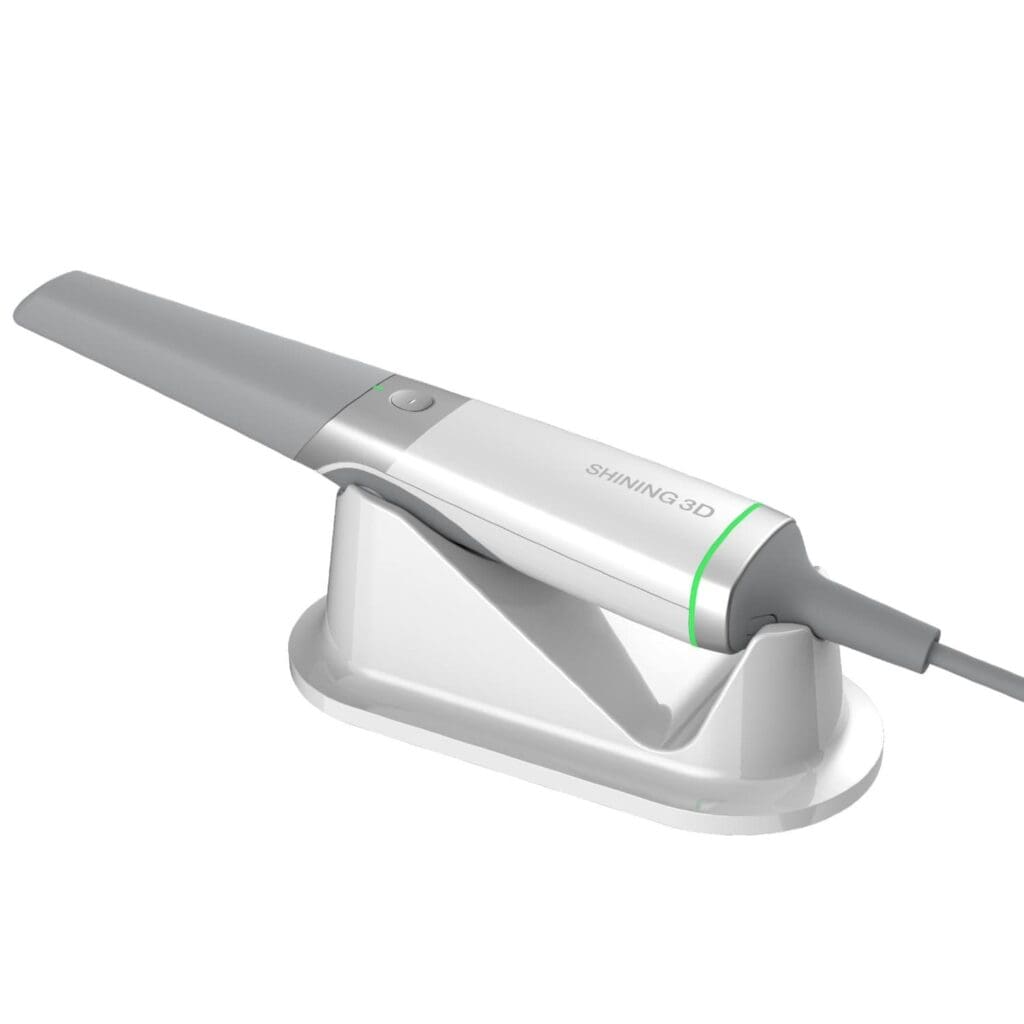
Shining 3D
Sign into the Dental Cloud portal.
Navigate to the “Connections” tab on the left.
Click the “New” button in the upper right corner.
Enter our name Digital Designs Dental Lab in the upper field and click the “search” button.
Select the Digital Designs Dental Labclinic and click “confirm” to send the request to the target lab.
Straumann SIRIOS
Sign in to Straumann AXS.
Ensure SIRIOS is connected, and select Digital Designs Dental connection.
Complete scans in SIRIOS and synchronize to AXS.
Open the case in AXS -> Send to lab -> select connected DDDL location.
Submit and check successful transfer.
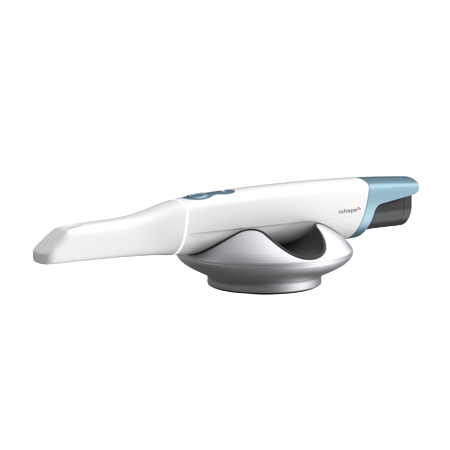
3Shape TRIOS®
Visit
us.3shapecommunicate.com
.
Search
[email protected]
to find our lab and connect.
Select Digital Designs Dental Lab whenever sending files.
Medit
Visit
https://www.meditlink.com/register
and select “don’t have an account? Sign up.”
Select the “Administrator” option under the category that best fits your business.
Provide your information and check your email for a verification link. This email will also contain instruction to download the software.
Select “Add New Partner” and search for Digital Dental Designs Dental Lab to start sending cases to our lab.
Dexis
Sign in to Dexis Portal -> Partners -> Invite a partner.
Enter our email:
[email protected]
Click Submit
ScanFlow
Finish/Review Scan
Export > lab-sharing option.
Select connected DDDL lab.
Complete prescription and case details, click submit.
DEXIS IOS Cloud
For DEXIS IOS Cloud users, follow its guided submission wizard.
Keep a legacy CS Connect note where applicable; menus vary by version.
Align Technology iTero™
Option 1:
Select “Find a Laboratory” on your iTero Scanner or use lab locator at
www.itero.com
.
Connect with Digital Designs Dental Lab using our Company ID 103845.
After connecting to us as a Lab, select Digital Designs Dental Lab on your scanner when sending files.
Option 2:
Call 800-577-8767.
Select Option 2.
Request that Digital Designs Dental Lab is added to your scanner using our phone number: (888) 798-7828.
After Digital Designs Dental Lab has been added, restart your scanner.
After connecting to us as a lab, select Digital Designs Dental Lab on your scanner when sending files.
Dentsply Sirona CEREC®
Create or login to your CEREC® Connect account.
Select “MY CEREC CONNECT”
Search for Digital Designs Dental Lab as the Company Name. Check the box for Digital Designs Dental Lab and select ADD to complete registration.
Whenever submitting your case via CEREC®, select Digital Designs Dental Lab from your list.
imunify-bot-check